หารค่าใช้จ่ายกับเพื่อนได้ง่ายๆ
ท่องเที่ยว กินข้าว ชีวิตประจำวัน

แอปฟรีสำหรับติดตามค่าใช้จ่ายร่วมและคำนวณหนี้อัตโนมัติ

★★★★★ 5.0 ใน App Store
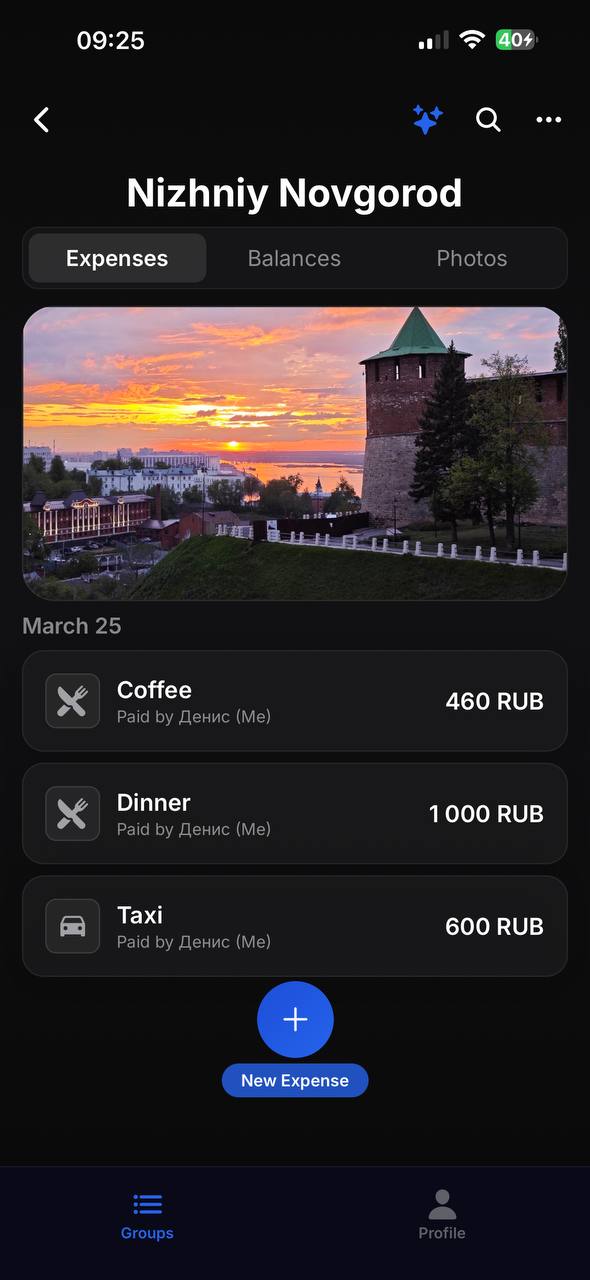
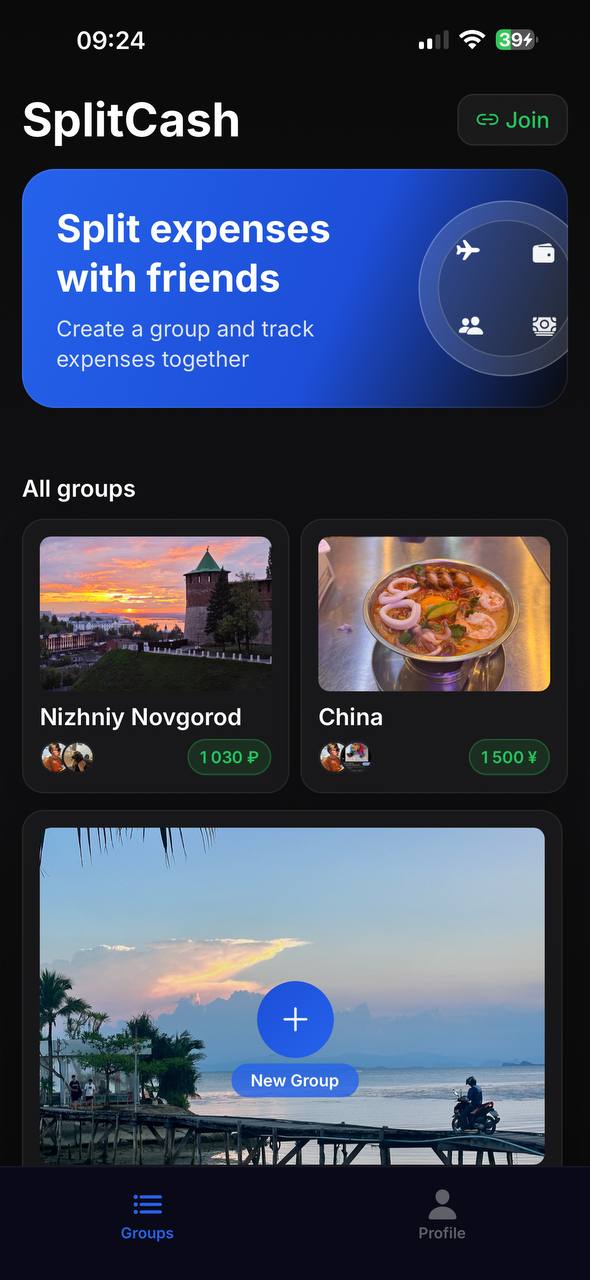
Expense groups in SplitCash
กลุ่ม
เหมาะทุกโอกาส
Expense list in SplitCash
ค่าใช้จ่าย
ค่าใช้จ่ายทั้งหมดในที่เดียว
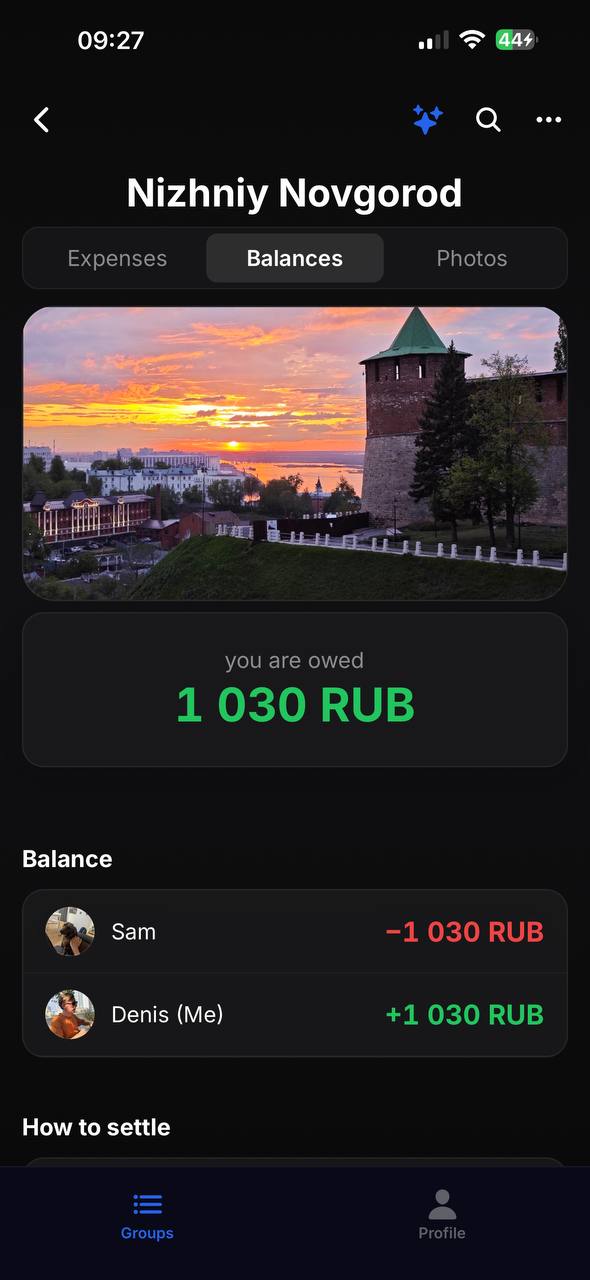
Balances and debts in SplitCash
ยอดคงเหลือ
ใครเป็นหนี้ใคร
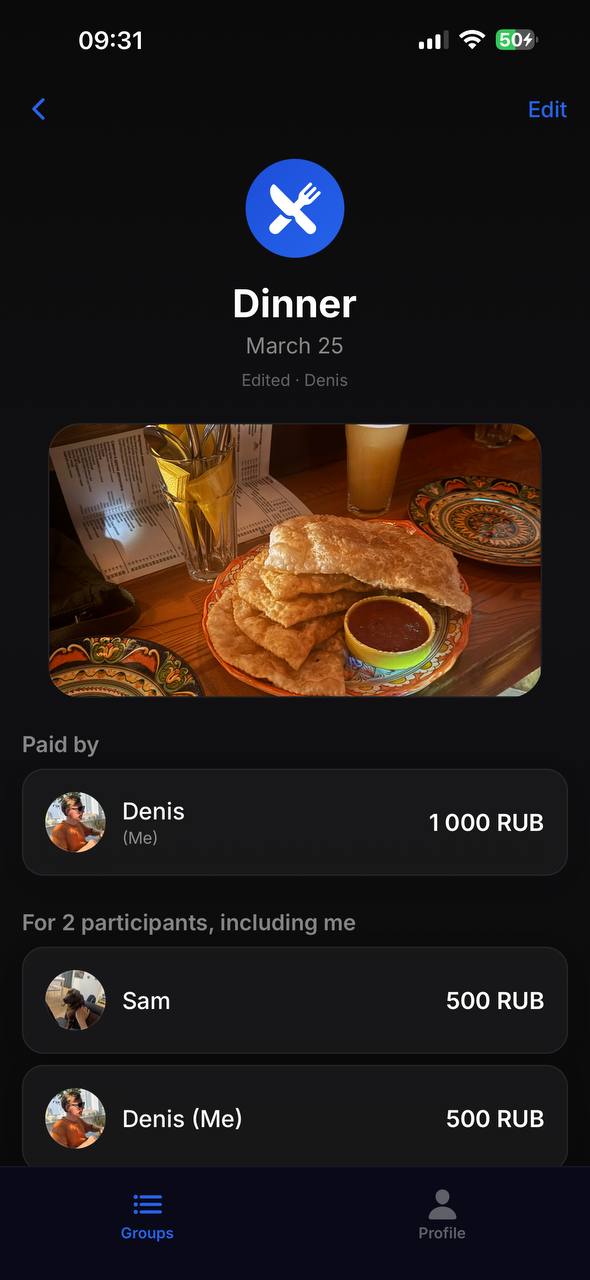
Expense details in SplitCash
รายละเอียด
รูปใบเสร็จและการหาร

วิธีใช้งาน

1

สร้างกลุ่ม

เชิญเพื่อนด้วยลิงก์หรือ QR code

2

เพิ่มค่าใช้จ่าย

ใครจ่าย เท่าไหร่ หารเท่ากันหรือกำหนดเอง

เคลียร์หมดแล้ว

แอปบอกว่าใครต้องจ่ายให้ใครเท่าไหร่

กลุ่ม

สร้างกลุ่มสำหรับทริป บ้าน หรือกินข้าว เชิญด้วย QR code หรือลิงก์

ถ่ายรูปใบเสร็จ

ถ่ายใบเสร็จแนบกับค่าใช้จ่าย ไม่ต้องกลัวใบเสร็จหาย

หารได้ยืดหยุ่น

หารเท่ากัน ตามสัดส่วน หรือกำหนดจำนวนเอง

คำนวณอัตโนมัติ

อัลกอริทึมฉลาดลดจำนวนการโอนเงินให้น้อยที่สุด

กว่า 150 สกุลเงิน

เหมาะสำหรับทริปต่างประเทศ แต่ละกลุ่มมีสกุลเงินของตัวเอง

การแจ้งเตือน

รู้ทันทีเมื่อมีคนเพิ่มค่าใช้จ่ายหรือจ่ายหนี้

5.0
App Store
150+
สกุลเงิน
ฟรี
ไม่มีโฆษณา ไม่มีขีดจำกัด

คำถามที่พบบ่อย

How is SplitCash different from Splitwise?

SplitCash is completely free with no ads or subscriptions. It supports 150+ currencies, receipt photos, flexible splitting (equal, by shares, or exact amounts), and an automatic debt settlement algorithm that minimizes the number of transfers.

How do I split expenses on a trip?

Create a group for your trip and invite friends via QR code or link. Add expenses as you go — who paid, how much, who's involved. At the end, the app shows the final balance and the minimum transfers needed to settle up.

Is the app free?

Yes, SplitCash is 100% free. No ads, no premium features, no subscriptions. All features are available from day one with no limits.

How do I know who owes whom?

Open the Balances tab in your group. The app automatically calculates who owes whom and how much, using a smart algorithm that minimizes the number of transfers between members.

What currencies are supported?

SplitCash supports 150+ world currencies — from US dollars and euros to Thai baht and Vietnamese dong. Each group can use its own currency, perfect for international trips.

Do I need to create an account?

Just sign in with your Apple or Google account — no separate passwords or verification needed. It takes 3 seconds.

ลอง SplitCash เลย