和朋友轻松AA制
旅行、聚餐、日常生活

追踪共同支出,自动计算谁欠谁多少的免费应用

★★★★★ 5.0 在App Store
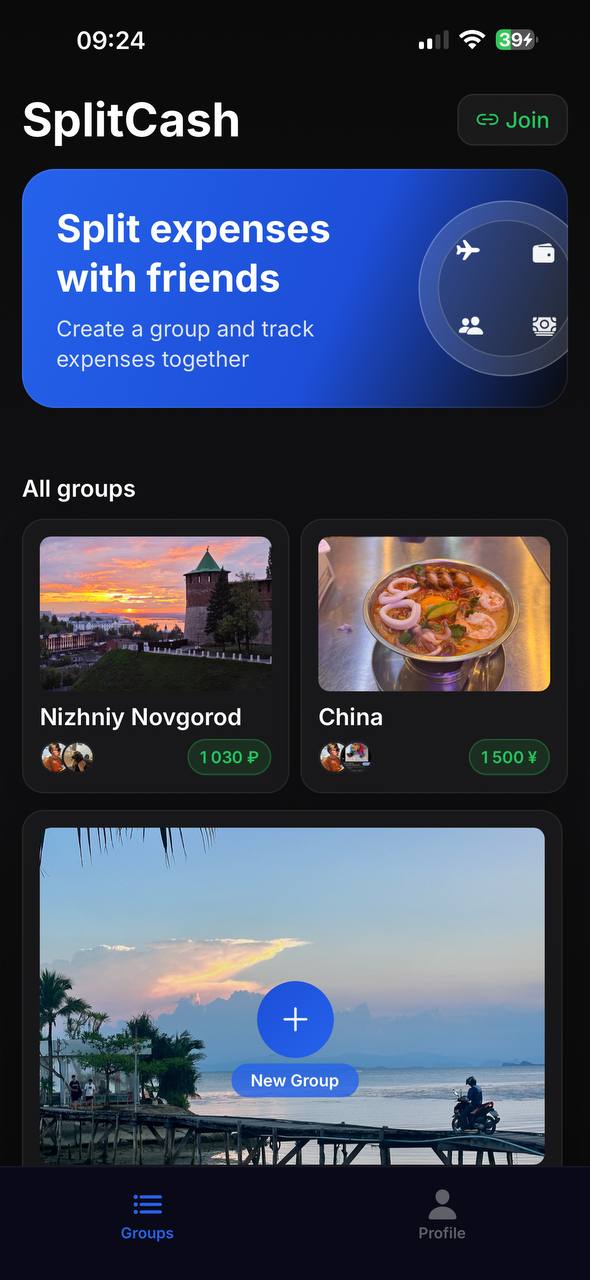
Expense groups in SplitCash
群组
适合各种场景
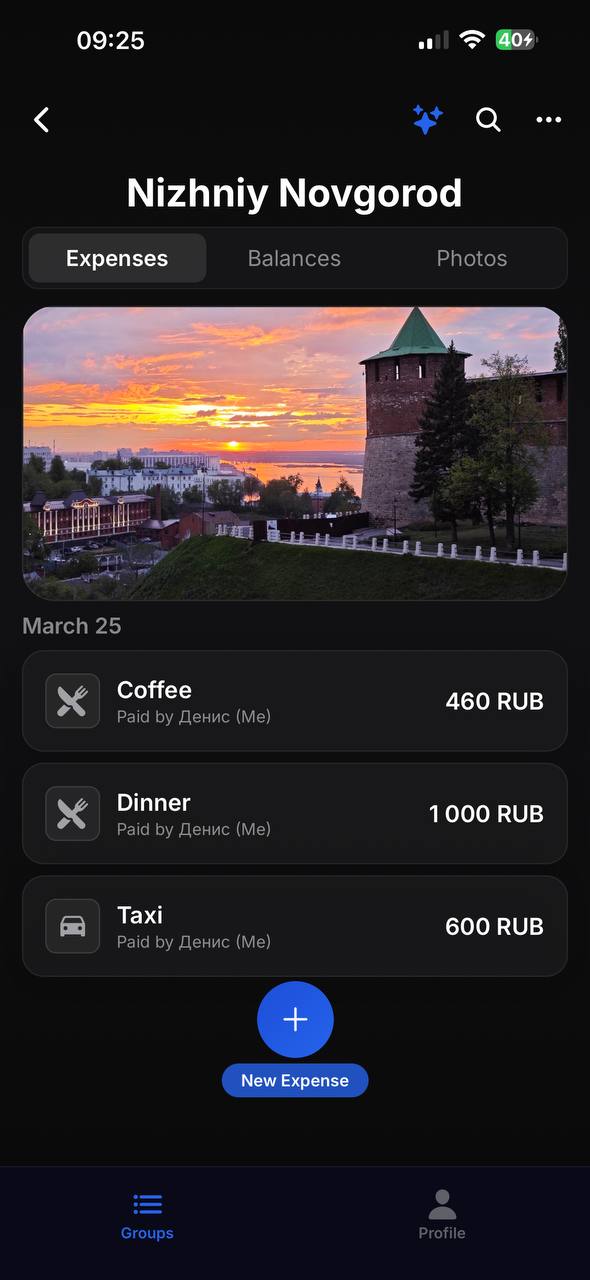
Expense list in SplitCash
支出
所有支出一目了然
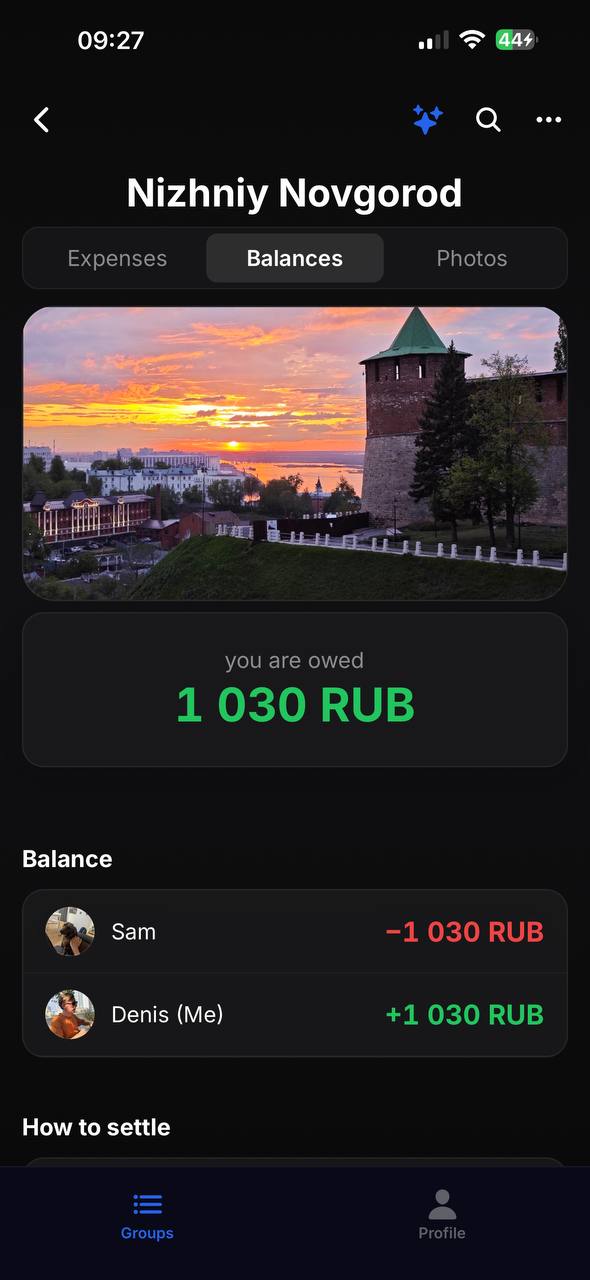
Balances and debts in SplitCash
余额
谁欠谁的钱
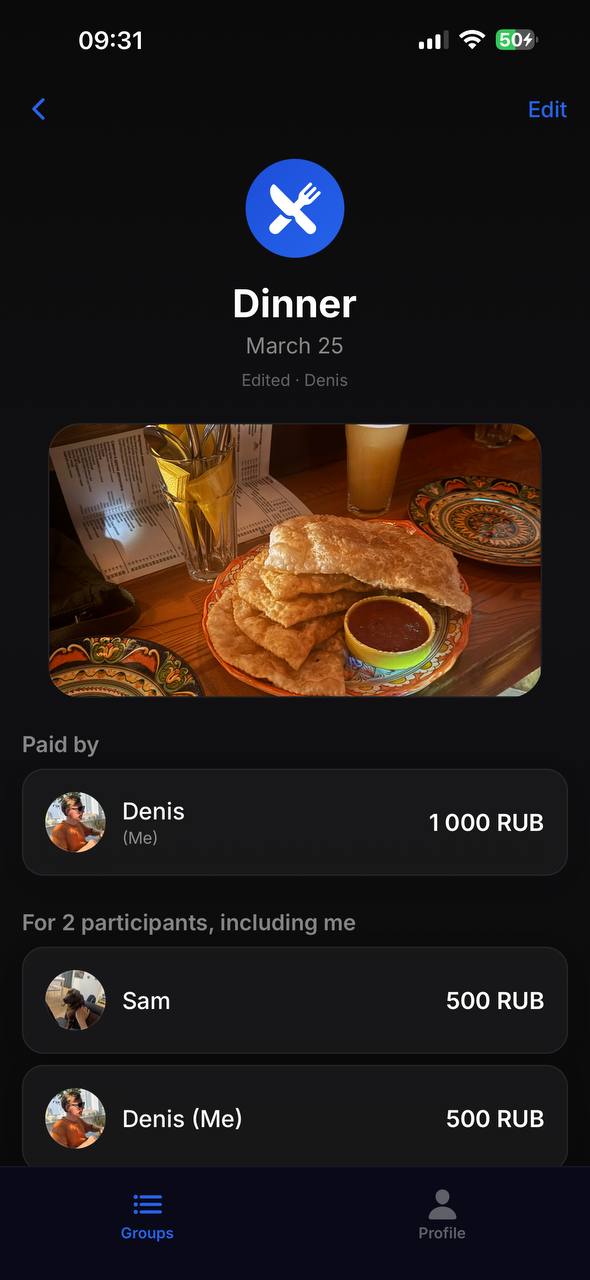
Expense details in SplitCash
详情
票据照片和分账

如何使用

1

创建群组

通过链接或QR码邀请朋友

2

添加支出

谁付的,多少钱,平均分或自定义

一切结清

应用显示谁欠谁多少钱

群组

为旅行、合租或聚餐创建群组。用QR码或链接邀请朋友。

票据拍照

拍下票据附到支出上。不再丢失票据。

灵活分账

平均、按比例或精确金额分账。你来决定。

自动结算

智能算法最小化转账次数以结清欠款。

150+货币

出境游的最佳选择。每个群组可设置不同货币。

通知

有人添加支出或还款时立即通知你。

5.0
App Store
150+
种货币
免费
无广告,无限制

常见问题

How is SplitCash different from Splitwise?

SplitCash is completely free with no ads or subscriptions. It supports 150+ currencies, receipt photos, flexible splitting (equal, by shares, or exact amounts), and an automatic debt settlement algorithm that minimizes the number of transfers.

How do I split expenses on a trip?

Create a group for your trip and invite friends via QR code or link. Add expenses as you go — who paid, how much, who's involved. At the end, the app shows the final balance and the minimum transfers needed to settle up.

Is the app free?

Yes, SplitCash is 100% free. No ads, no premium features, no subscriptions. All features are available from day one with no limits.

How do I know who owes whom?

Open the Balances tab in your group. The app automatically calculates who owes whom and how much, using a smart algorithm that minimizes the number of transfers between members.

What currencies are supported?

SplitCash supports 150+ world currencies — from US dollars and euros to Thai baht and Vietnamese dong. Each group can use its own currency, perfect for international trips.

Do I need to create an account?

Just sign in with your Apple or Google account — no separate passwords or verification needed. It takes 3 seconds.

立即试用SplitCash